From Bright Pattern Documentation
<translate>= How to Reassign All of an Agent’s Events to Another Agent = Sometimes it may be more convenient to reassign all of the agent’s events within a time range in a single step.
- Click the Reassign by range… button.
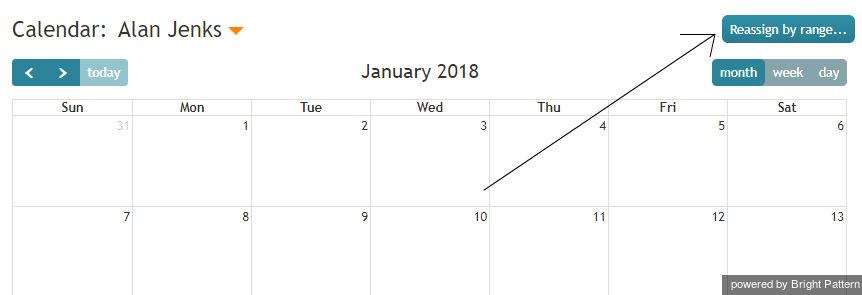
Reassign by Range button - A dialog window will appear showing the list of agents that this task can be assigned to and time range controls.
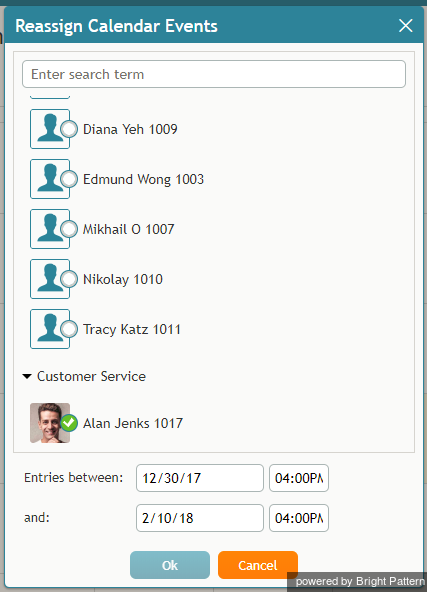
Select an agent to be assigned a range of events - Specify the desired time range by either typing in the date or clicking into the date field and selecting the date from the mini calendar.
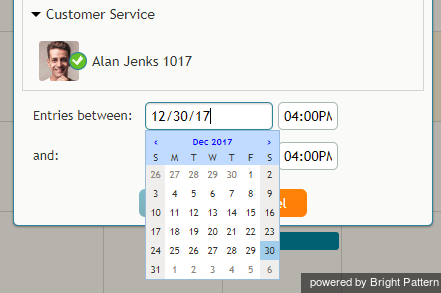
Select the date range - Select the desired agent and click Ok.
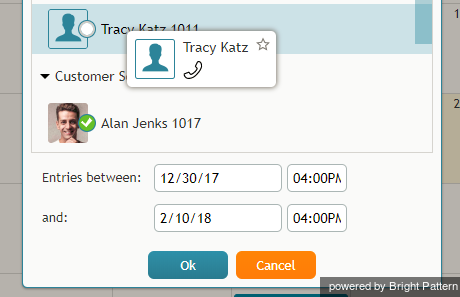
Select the agent


</translate>