Chat Center Compatibility
Internal Messaging in Mixed Environments
Real-time message delivery is not supported between users on different versions of the Agent Desktop application.
This is most relevant to contact centers operating in a mixed environment, with some users on Agent Desktop 2.0 and others on legacy Agent Desktop. While Agent Desktop 2.0 users can see all legacy users in the Directory, initiate chats, and add them to group chats, these two groups cannot exchange messages.
Users currently logged in to the legacy Agent Desktop application cannot receive messages sent from Agent Desktop 2.0; such users will only receive these messages once they log into Agent Desktop 2.0. On the other hand, messages sent from legacy Agent Desktop to users logged in to Agent Desktop 2.0 will appear in those users' Legacy Chats, not the Communication Panel.
Note that messages sent from Agent Desktop 2.0 to legacy users are marked as Delivered even if the legacy users have not yet received them. Such messages will not be marked as Viewed until the participants open the chat within Agent Desktop 2.0. Agent Desktop 2.0 will not display delivery failure warnings, nor will it indicate which version of the application other chat participants are currently using.
Legacy Chats
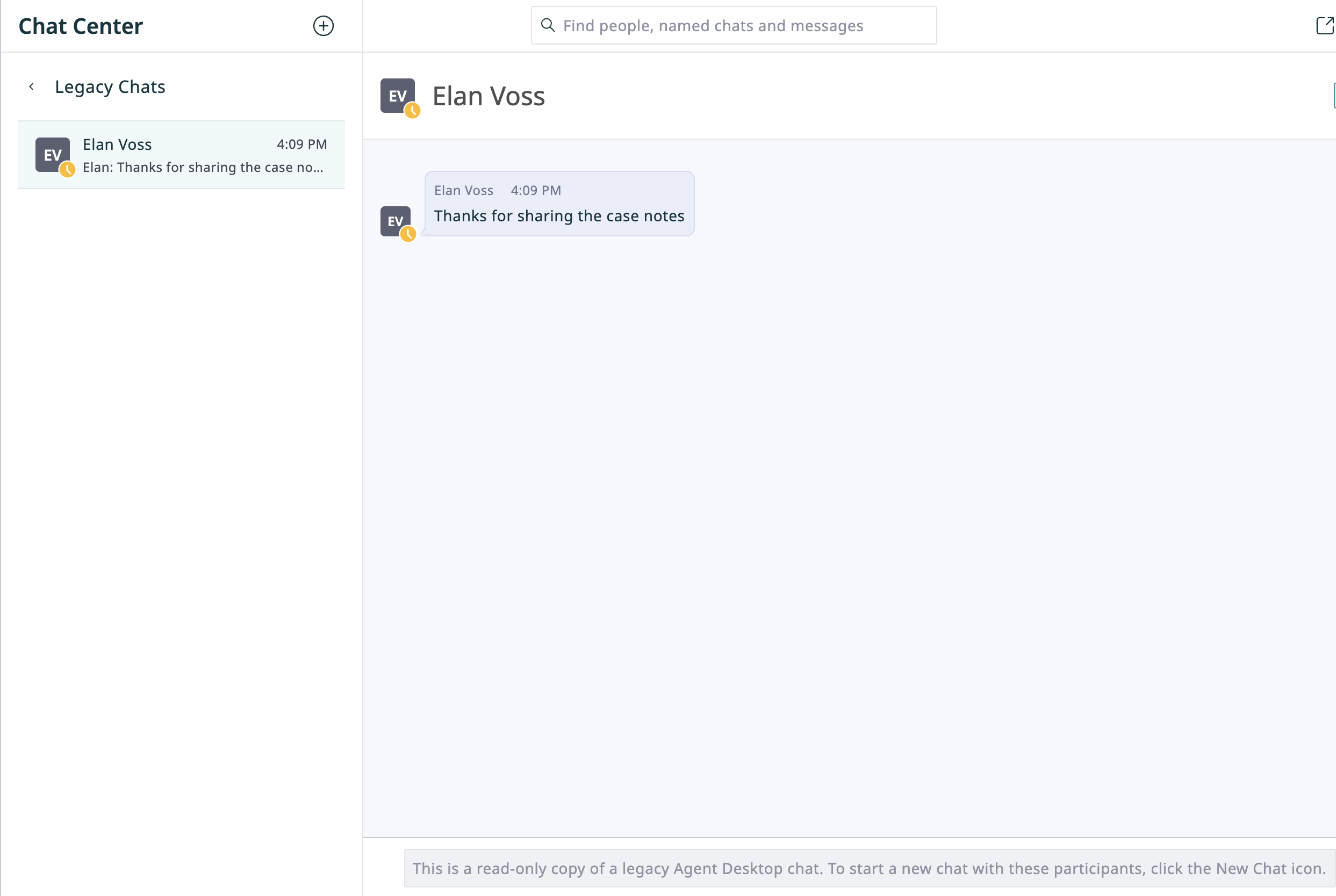
Agent Desktop 2.0 allows users to access their individual and group chat history from the previous Agent Desktop (subject to the data retention limits of the contact center). These past conversations function as a read-only archive and are kept separate from active Agent Desktop 2.0 communications (i.e. the Recents, Favorites, and Directory tabs in the Communication Panel).
If colleagues still using the previous Agent Desktop continue to post messages in an old chat, those new messages will be added to your Legacy Chats. However, Agent Desktop 2.0 will not send notifications for these updates.
To view Legacy Chats:
- Navigate to the Chat Center.
- Click the Legacy Chats button
 .
. - Optional: Search legacy chats by participants or message text. Note that searching legacy chats only returns legacy results.
< Previous | Next >

