From Bright Pattern Documentation
How to Assign Cases
Generally, emails and cases are distributed according to the relevant Email Service configuration. In addition, supervisors can assign any number of cases at once to an agent on their team.
- Navigate to Records > Cases. Alternatively, navigate to Cases > Personal Queue or Team Queue.
- Select as many cases as you wish to assign to a particular agent.
- Click the Assign option along the top of the page.

- Select the agent in question in the Assign Cases dialog.
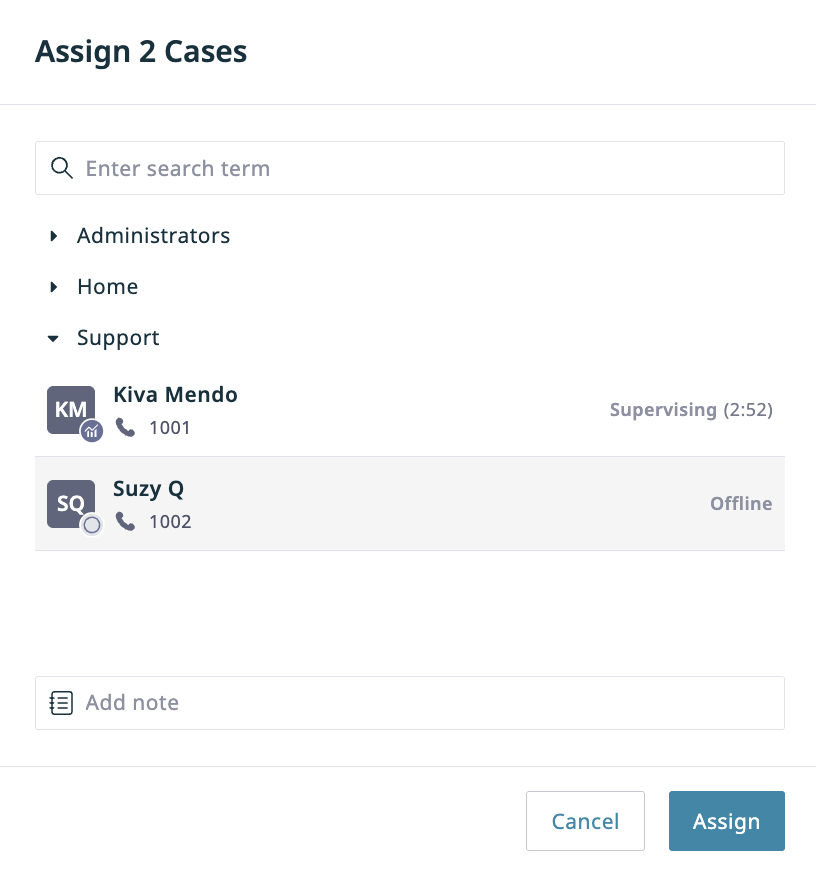
- Optional: Add an accompanying note to the agent.
- Click Assign.
< Previous | Next >

