<translate>= Creating New Wallboards=
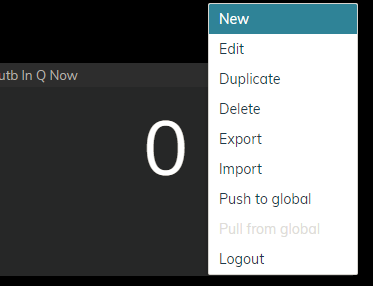
If you have the privilege to edit wallboards, you are also enabled to create new wallboards.
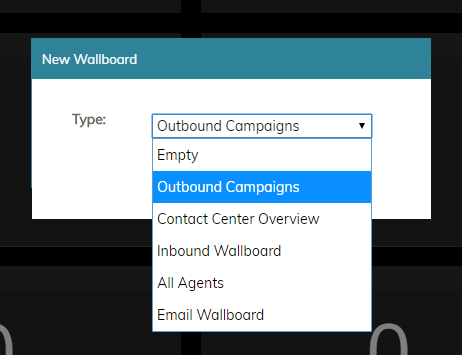
Wallboards can be created either from scratch or from one of five out-of-the-box templates. Because templates are preformatted with widgets and a standard layout, they allow you to build standard wallboards and customize them quickly.
The Empty template is a blank wallboard that shows a grid of empty cards. No statistics are preconfigured. This wallboard is the type to select when creating a new wallboard from scratch, when you do not wish to use any other template available.
Empty wallboard
Outbound Campaigns
The Outbound Campaigns template contains statistics related to the outbound campaigns that your team is assigned to handle.
The All Agents template presents a list view of selected agents from your team. To edit the preconfigured list of agent statistics, click the Edit icon at the top right of the wallboard template. This opens the Select Grid Options window, where you can select teams to show and sort/filter the agents in the list.
 icon.
icon.