
From Bright Pattern Documentation
<translate>
Start a Conference Call
You can use the singleStepConference method to have a logged-in agent transfer add another party to his or her active call. For more information about conferencing, see the Contact Center Administrator Guide, section How to Host a Conference.
The singleStepConference method can be attached to a web element, such as a button, on your webpage. When clicked, the button will process the API method. Add a field to enter the phone number of the third party to be included in the conference.
In this article, you will learn how to:
- Attach singleStepConference to a button
- Add a field to enter the phone number of the party to be dialed
- Place sample JavaScript into HTML
How to Use singleStepConference
Of course, there are many ways to style your page elements and Agent Desktop widget display. The following is provided for example purposes only.
- Paste the
sample code into the body of your HTML file. This is the bare minimum that you need for the SDK to work. Make sure you replace "<tenant>" with the name of your Agent Desktop web server.
- Save and open the page in your web browser. Make sure the agent is logged in and "Ready."
- The call comes in.
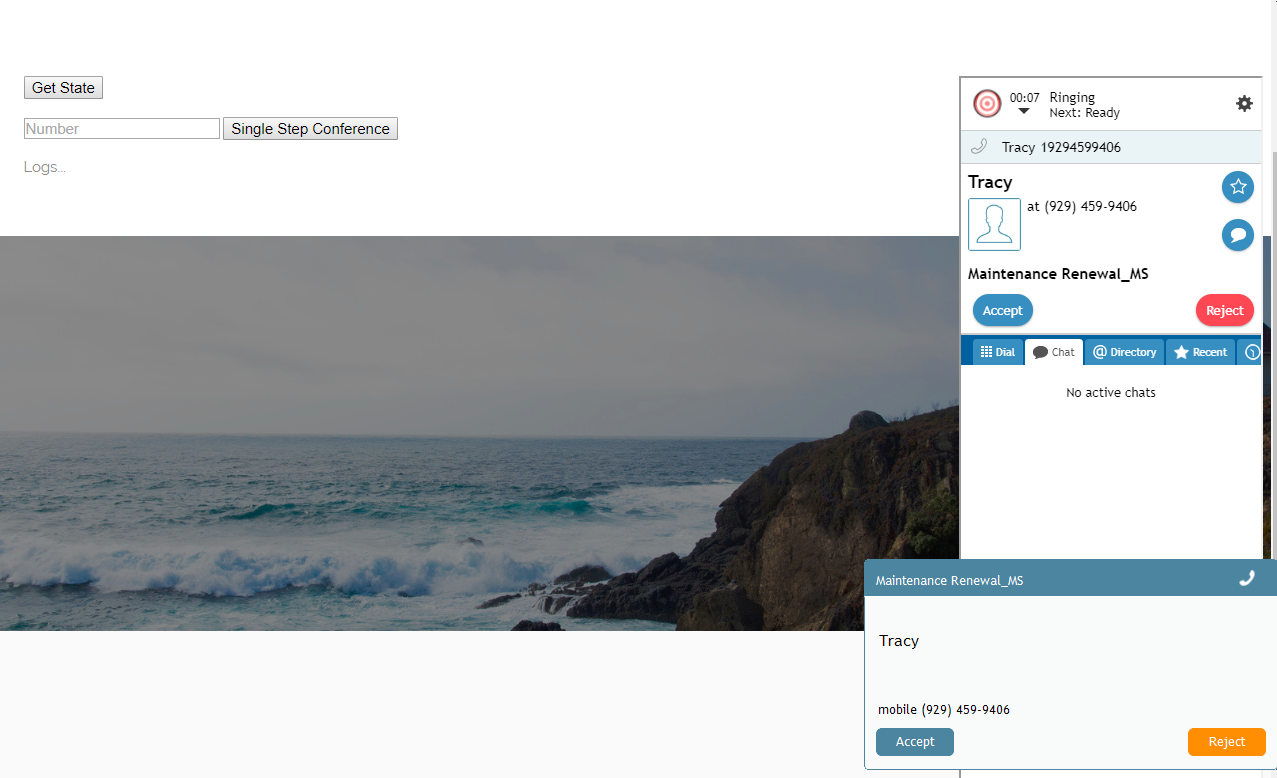
- The agent answers.
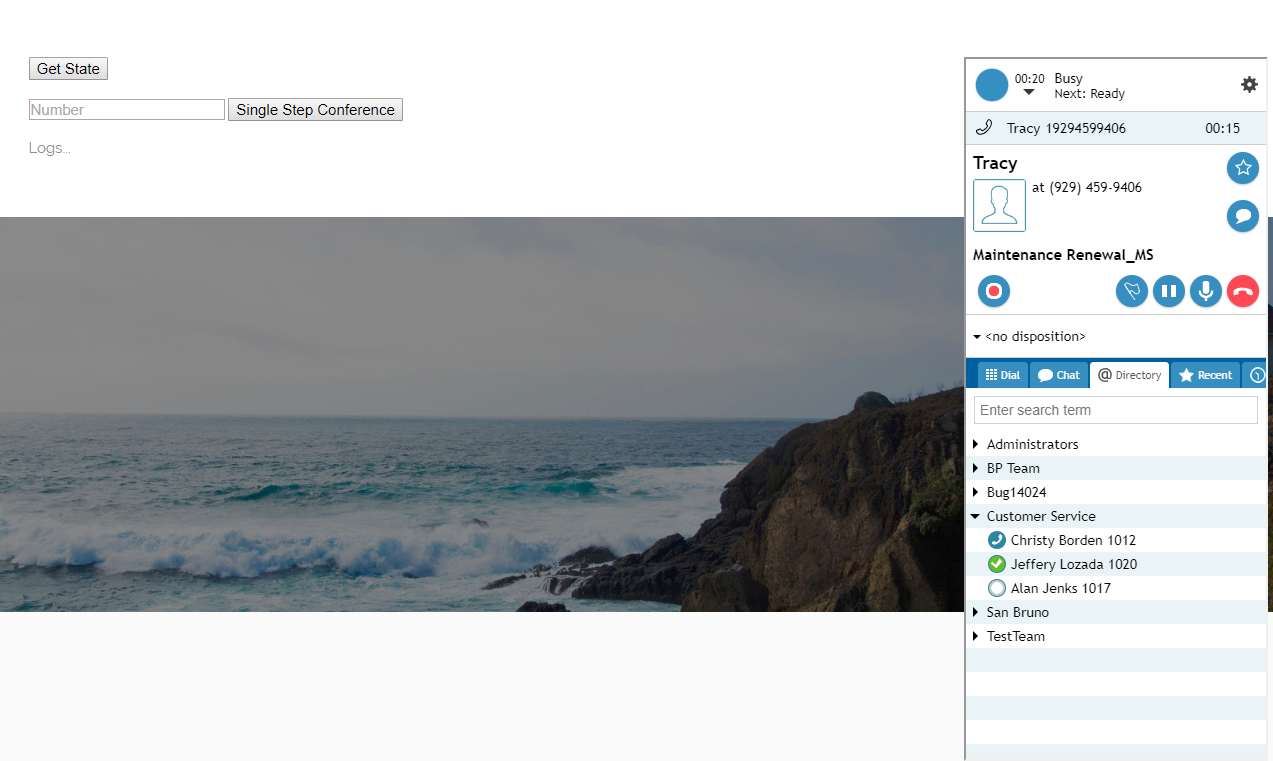
- Enter the phone number (e.g., "1020") of the person who you want to include in the conference, and click Single Step Conference to dial it.
- When the other person accepts the call, the conference begins and you see all parties in the Active Interactions List.
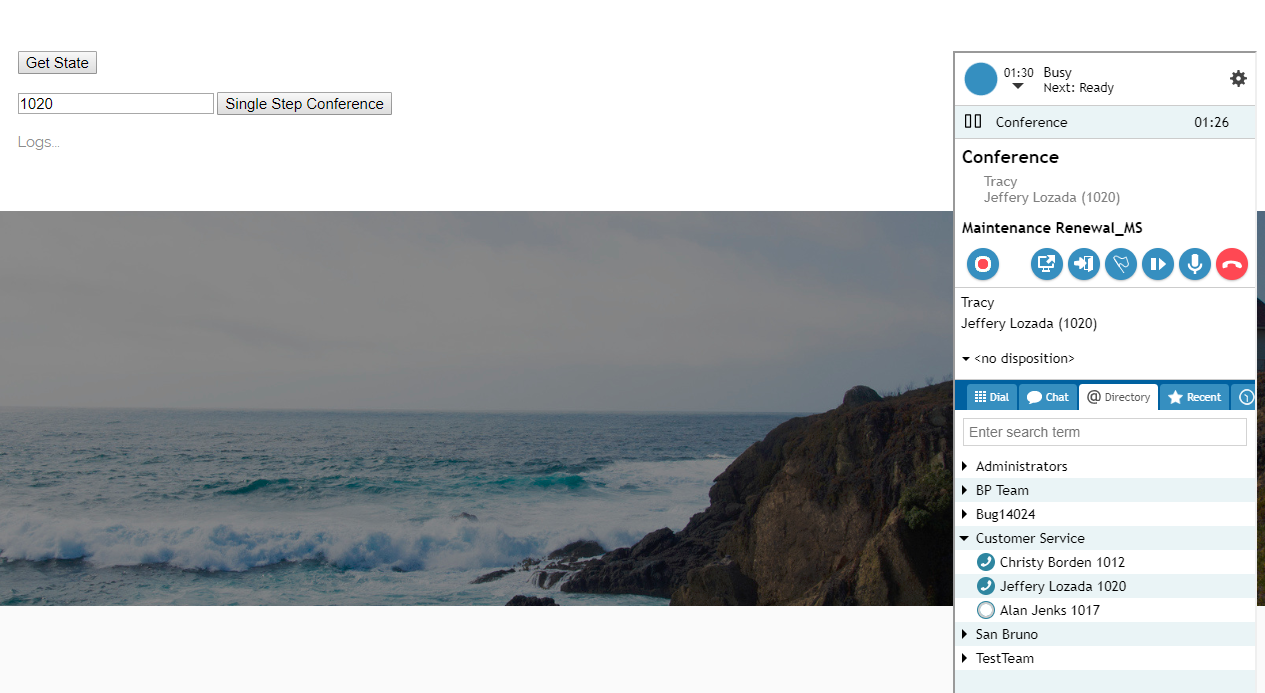


Sample Code
<script type="text/javascript" src="https://<tenant>.brightpattern.com/agentdesktop/libs/servicepattern-sdk-v1.js">
</script>

<iframe id="repeater" style="position:absolute; right: 8px; width: 300px; height: 700px;" src="https://<tenant>.brightpattern.com/agentdesktop/UniversalRepeater.jsp"></iframe>//The Agent Desktop widget ("repeater") and display properties. In the source, replace "<tenant>" with your actual Agent Desktop web server name.

<button onclick="bpspat.api.getState(log)">Get State</button>
<br>
<br>
<input id="transfer_number" type="text" placeholder="Number"/>//Field for entering phone number
<button onclick="bpspat.api.singleStepConference(document.getElementById('transfer_number').value)">Single Step Conference</button>//Button with singleStepConference method attached
<br>
<br>
<div id="log">Logs...//Logs section.
<br>
<br>
<script type="text/javascript">//Uses the log function to place requested data on the page.
window.bpspat.api.init("https://<tenant>.brightpattern.com");//The window.bpspat.api object will appear on an external webpage ONLY when this part is included in the script. Replace "<tenant>" with your actual Agent Desktop web server name.
function log(data) {
let div = document.createElement("div");
div.innerHTML = JSON.stringify(data);
document.getElementById("log").appendChild(div);
}

</script>
</translate>