From Bright Pattern Documentation
Created page with "<translate> = Leaving a Remote Assist Session = When you are done transferring files and helping your customer on their screen in a Remote Assist (RA) session, you may still w..." |
Updated via BpDeleteTranslateTags script |
||
| Line 1: | Line 1: | ||
= Leaving a Remote Assist Session = | = Leaving a Remote Assist Session = | ||
When you are done transferring files and helping your customer on their screen in a Remote Assist (RA) session, you may still wish to continue the customer interaction via voice or chat. | When you are done transferring files and helping your customer on their screen in a Remote Assist (RA) session, you may still wish to continue the customer interaction via voice or chat. | ||
| Line 10: | Line 10: | ||
# The PIN will expire after the last agent quits and 30 seconds have passed. | # The PIN will expire after the last agent quits and 30 seconds have passed. | ||
<br><br> | <br><br> | ||
Latest revision as of 04:01, 29 May 2024
Leaving a Remote Assist Session
When you are done transferring files and helping your customer on their screen in a Remote Assist (RA) session, you may still wish to continue the customer interaction via voice or chat.
- The customer can end the Remote Assist from their end at any time by clicking the Stop Sharing
 button at the top of their screen. Note, if they do so, the customer may still rejoin the session if there is an agent present or during the 30 seconds after the agent has disconnected.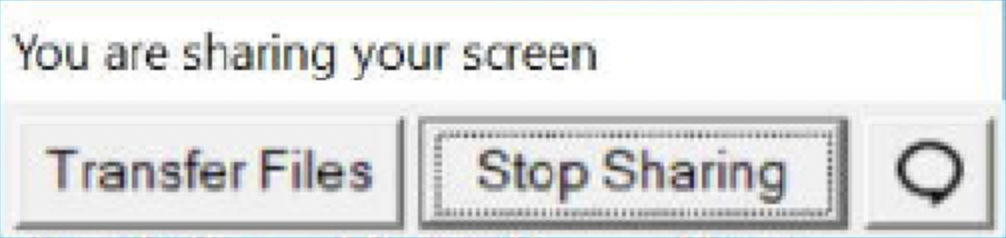
The customer's available actions include transferring files, to stop sharing their screen, and to chat (Windows OS only) with an agent should the ability to chat via normal means be compromised during the Remote Assist session - Clicking the Leave Session button
 allows an agent to close the RA portion of a remote viewing session.
- Note that you will still be on a call/chat/sms with the customer until the interaction is fully concluded, and that only the remote viewing portion will be completed.
- If your call center requires dispositioning a call, notes, or After Call Work (ACW), leaving the Remote Assist portion of the call will not end the interaction itself.
- If there were multiple agents in the session, the session will remain active as long as there is at least one agent participant.
- The PIN will expire after the last agent quits and 30 seconds have passed.


