提供: Bright Pattern Documentation
How to Print an Email
A single-click control allows you to open, view, and print original email content in a pop-out tab or window of your web browser. The original email content can be printed using the "Print" option of the web browser itself. Note that the original email content includes CC and BCC fields from outgoing emails.
電子メールのコンテンツを印刷するには、以下の手順に従ってください:
- チームキューまたはパーソナルキューのいずれかにおいて、印刷したいメールをリストから選択(またはダブルクリック)して開きます。
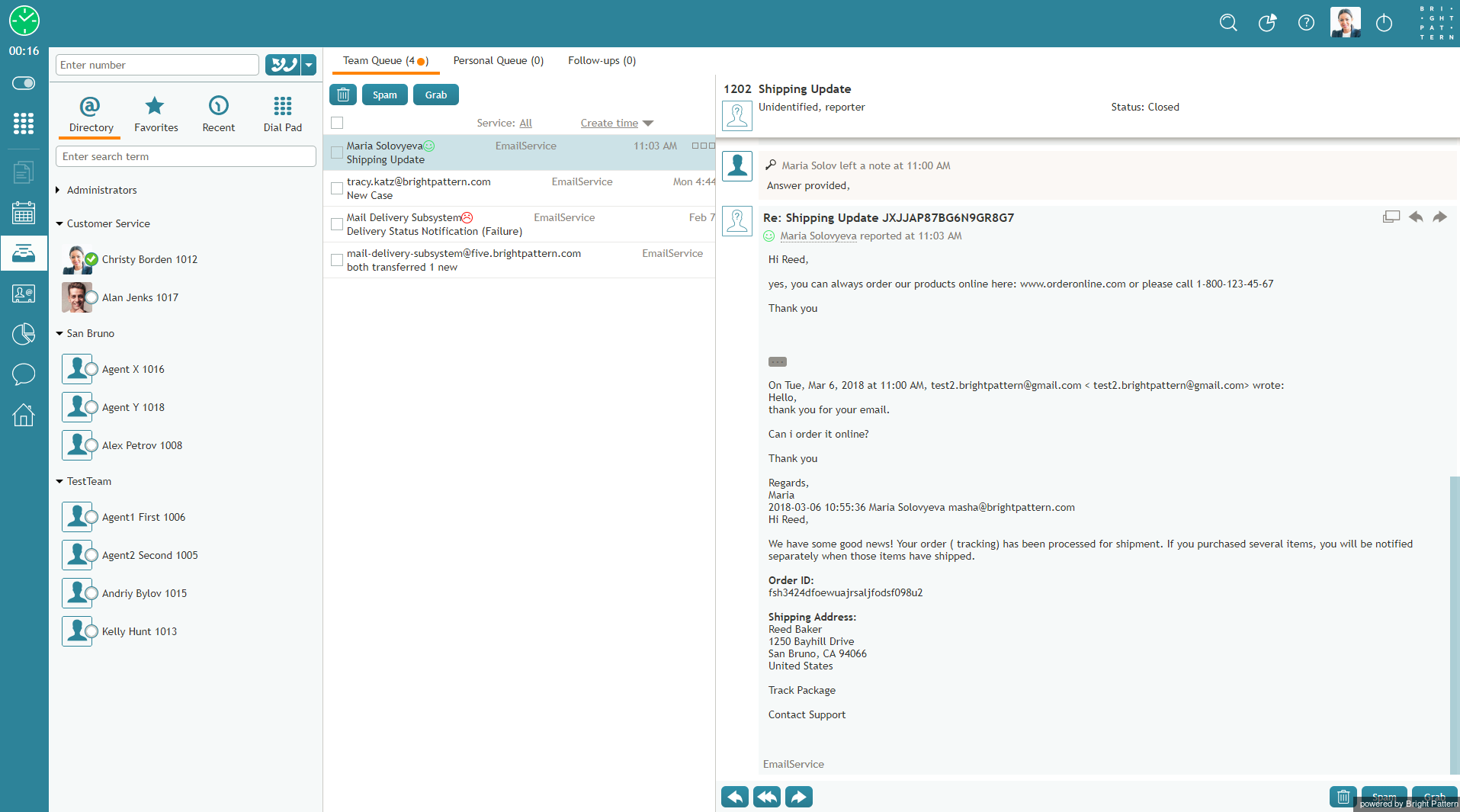
印刷したいメールを選択します。 - カーソルをメールの件名に合わせます。そうすることによって、追加の電子メールコントロールオプションが表示されます。
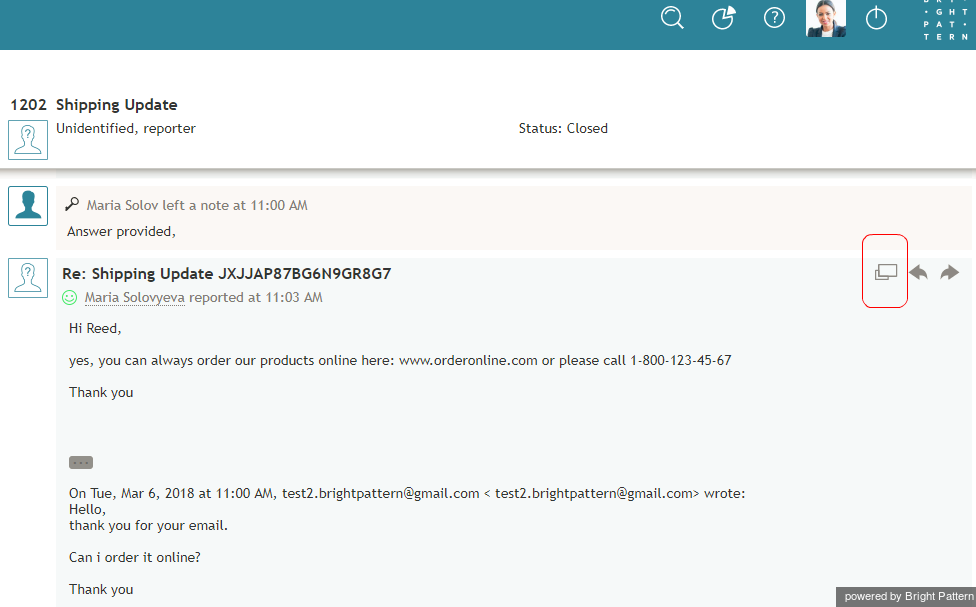
件名にカーソルを合わせます。 - 元のメールコンテンツを表示する
 ボタンをクリックします。メッセージは、新しいブラウザタブまたはウィンドウで表示されます(ブラウザ設定による)。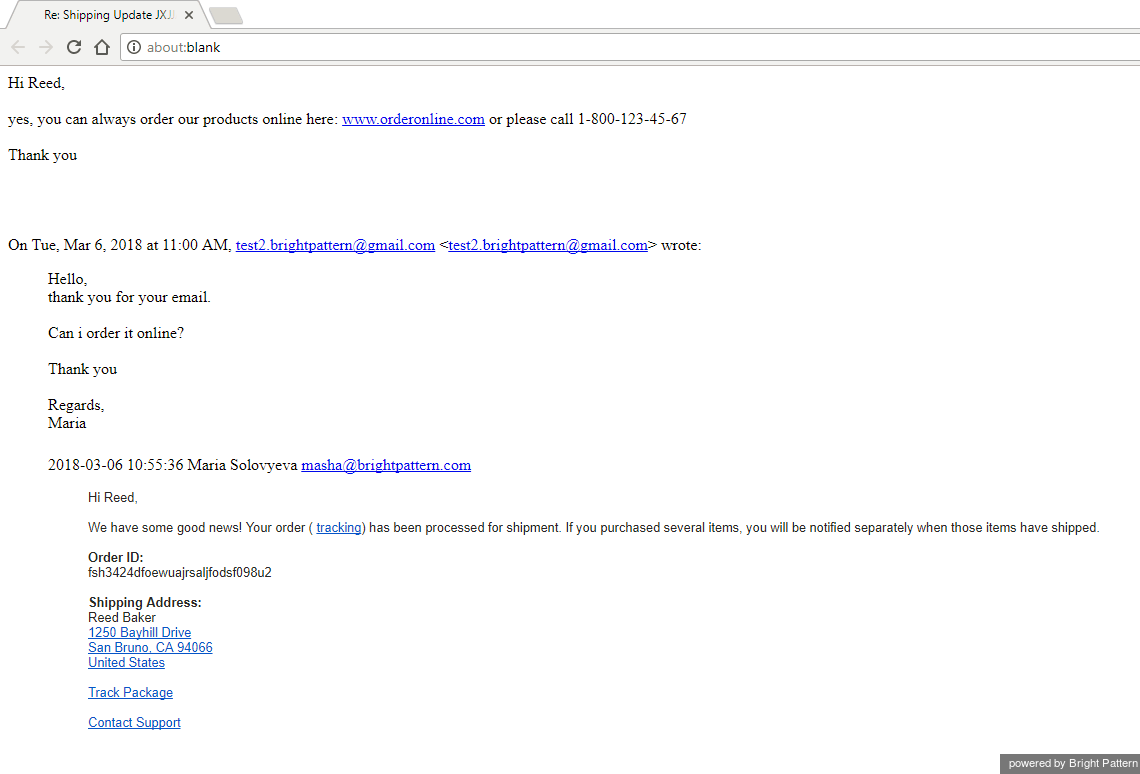
新しいブラウザウィンドウで表示されるメールのコンテンツ。 - Ctrl + P (Windows) または Command + P (Mac)を押して印刷します。
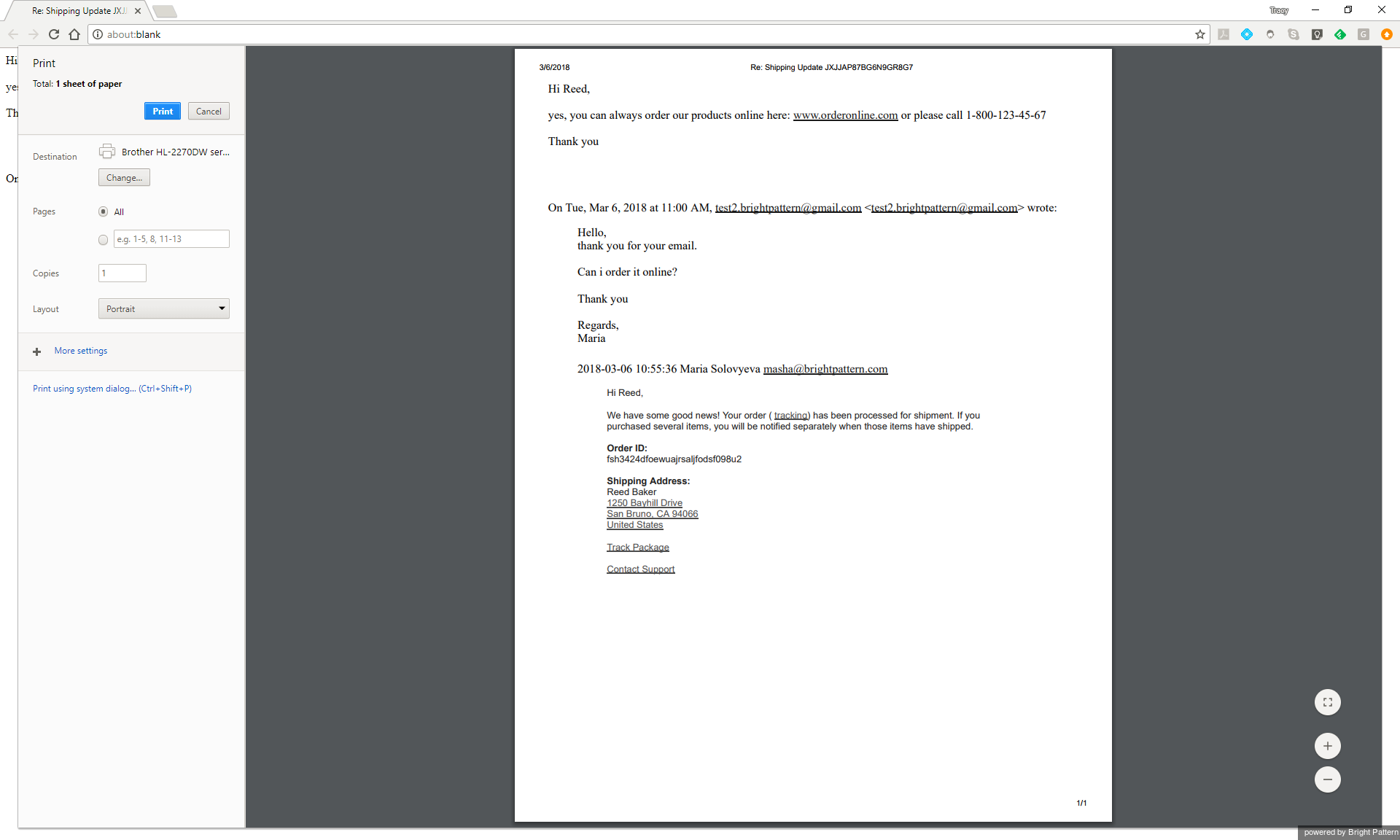
Webブラウザより印刷。 < 前へ | 次へ >


