提供: Bright Pattern Documentation
• English
通話録音の有効化
通話録音を有効にすると、スーパーバイザーまたは品質評価者権限を持つ管理者は、評価目的で評価コンソールの タイムラインで通話録音を聞くことができます。
ここでは、コンタクトセンターの通話録音を有効にする方法について説明します。
- In the Contact Center Administrator application, go to section Configuration > Quality Management > Call Recording and Monitoring.
- Select the record calls option. Note that this is a system-wide setting, which means that all calls will be recorded unless call recording has been disabled on the service level.
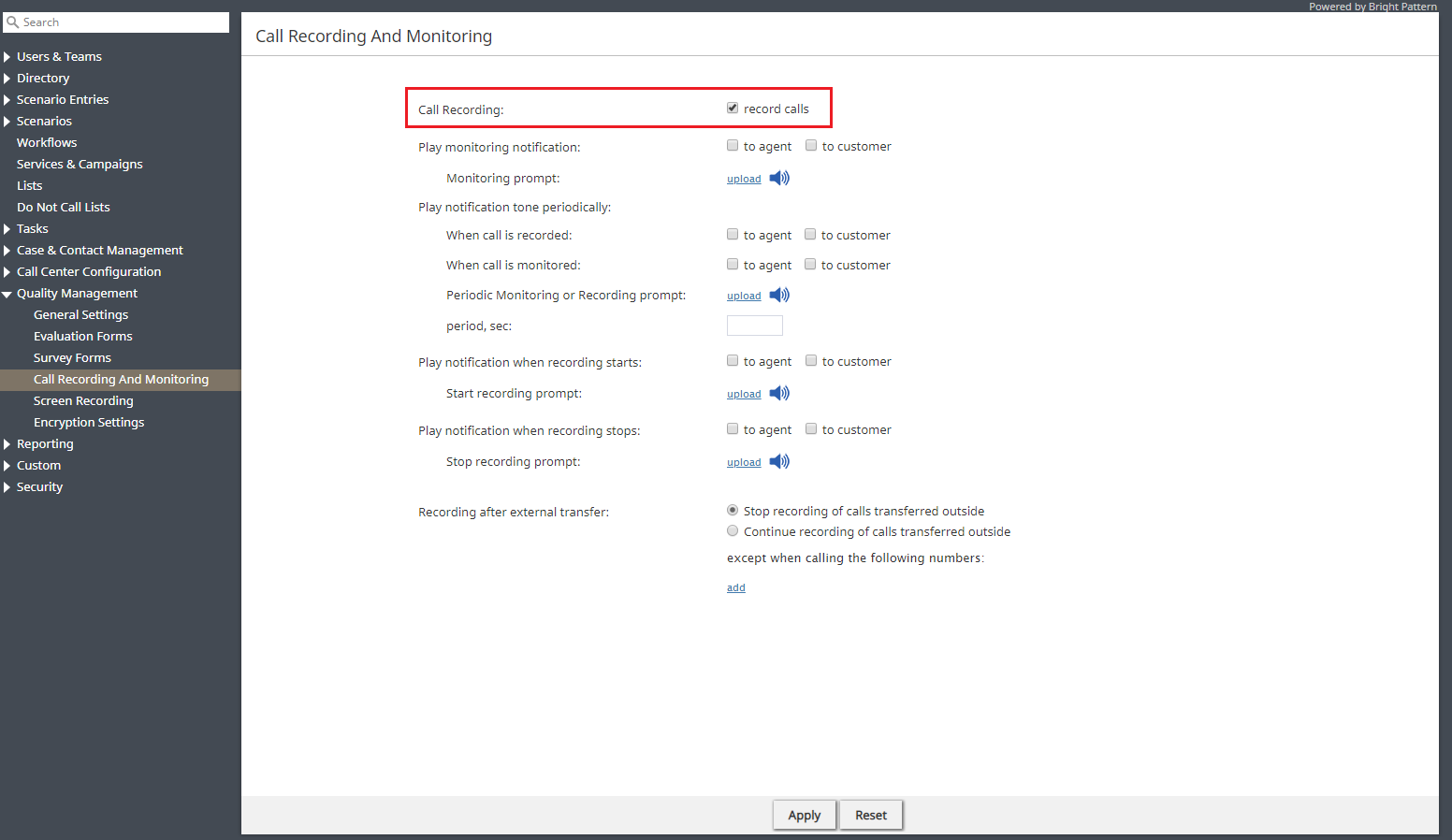
Enable call recording - That’s it. Click Apply to save your changes.
< 前へ | 次へ >
