提供: Bright Pattern Documentation
• English
既存の評価フォームの編集方法
評価フォームエディターには、主なサービスタイプ専用の 4つの既定のフォーム ( チャット, メール、 受信, 発信)が含まれます。これらのフォームは、サービスへ接続でき、そのまままたはカスタマイズ後使用できます。既存のフォームの概要と、それぞれに含まれるエリアと質問のタイプについては、 既存のフォームをご覧ください。
Starter forms provide a great starting point for drafting evaluation forms. In this article, you will learn how to modify a starter form to suit your business needs.
Procedure
- In the Contact Center Administrator application, navigate to section Configuration > Quality Management > Evaluation Forms.
- Select one of the starter forms shown, and click the Edit (pencil) button to open the form in the Evaluation Form Editor application.
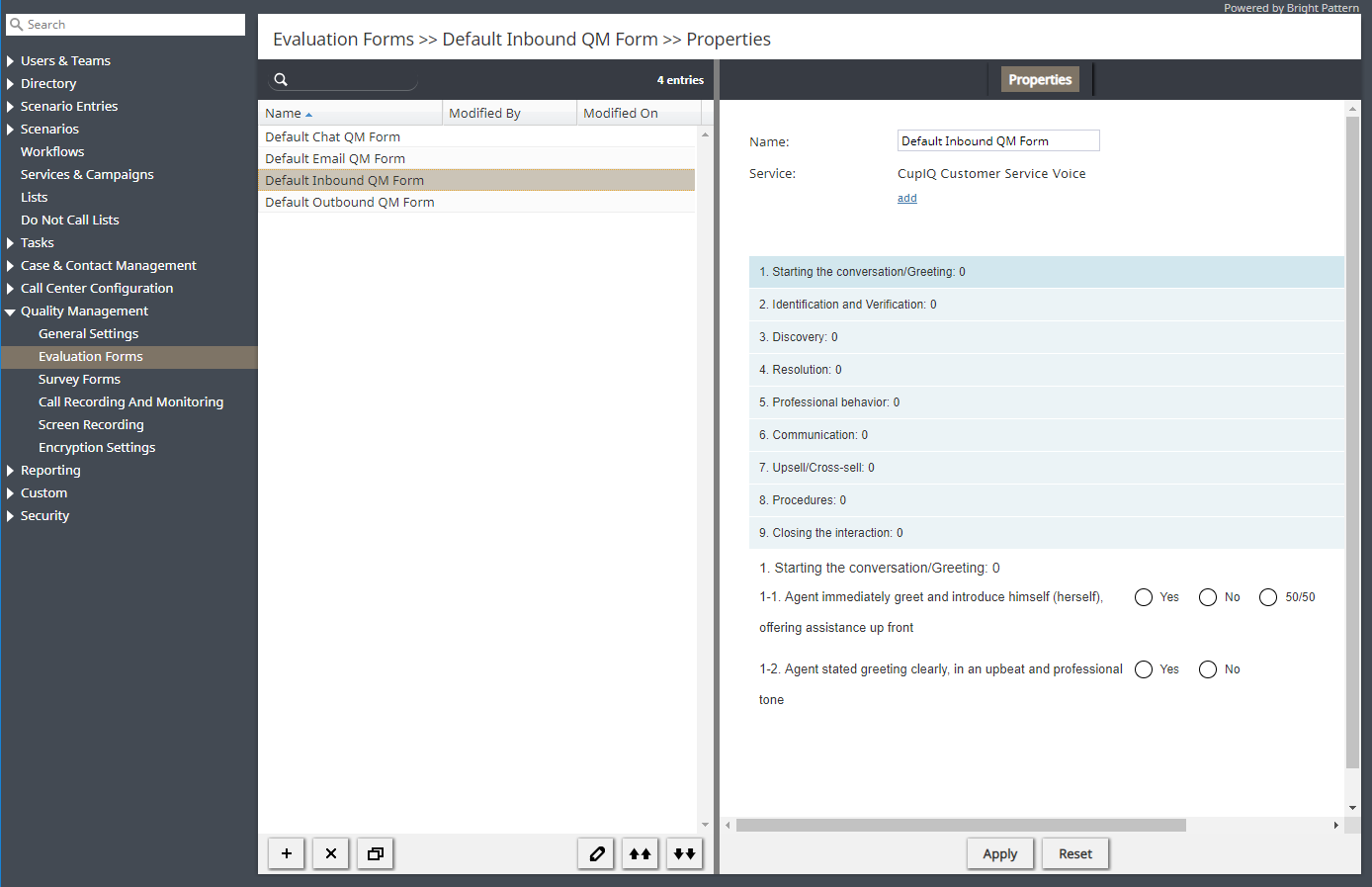
Section Quality Management > Evaluation Forms - Follow Step 2 to Step 6 of the Configuring Evaluation Forms procedure, using the edit (pencil) icons to make changes to the form’s evaluation areas, questions, title, and so forth.
< 前へ | 次へ >
