# To reassign a single agent’s event to another agent, view the agent's calendar. See section [[supervisor-guide/ManagingCalendarEvents#How_to_View_an_Agent.27s_Calendar|How to View an Agent's Calendar]].
# Select the event in the agent's calendar that you want to reassign. The event properties on the right will display the event information.[[File:Agent-Calendar-Reassign-50.png|800px|thumbnail|center|Calendar and event properties]]
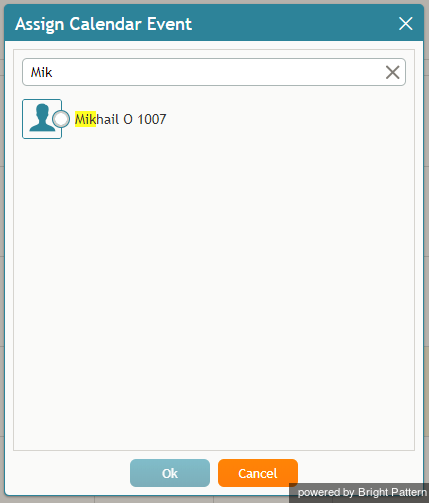
# Click the '''Assign…''' button. A dialog window will appear, showing the list of agents to which this task can be assigned. To find a specific agent quickly, you can start typing the agent's name in the '''Enter search term''' field and matching users will be listed in search results.[[File:Assign-Enter-Search-Term-50.png|450px|thumbnail|center|You can search for a specific agent]]
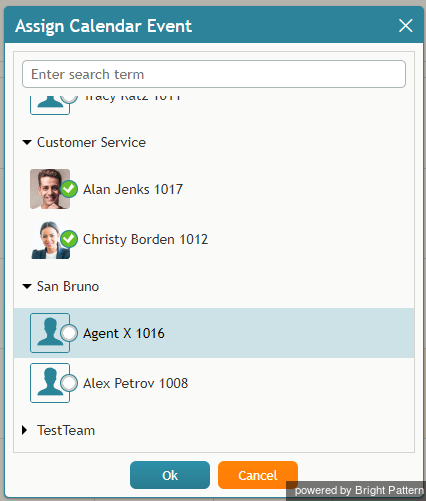
# A dialog window will appear showing the list of agents that this task can be assigned to and time range controls.[[File:Reassign-Calendar-Events-List-50.png|450px|thumbnail|center|Select an agent to be assigned a range of events]]
# Specify the desired time range by either typing in the date or clicking into the date field and selecting the date from the mini calendar.[[File:Reassign-Event-Date-Range-50.png|450px|thumbnail|center|Select the date range]]
 をクリックします。スーパーバイザーのカレンダーはコンテキスト情報エリアに表示されます。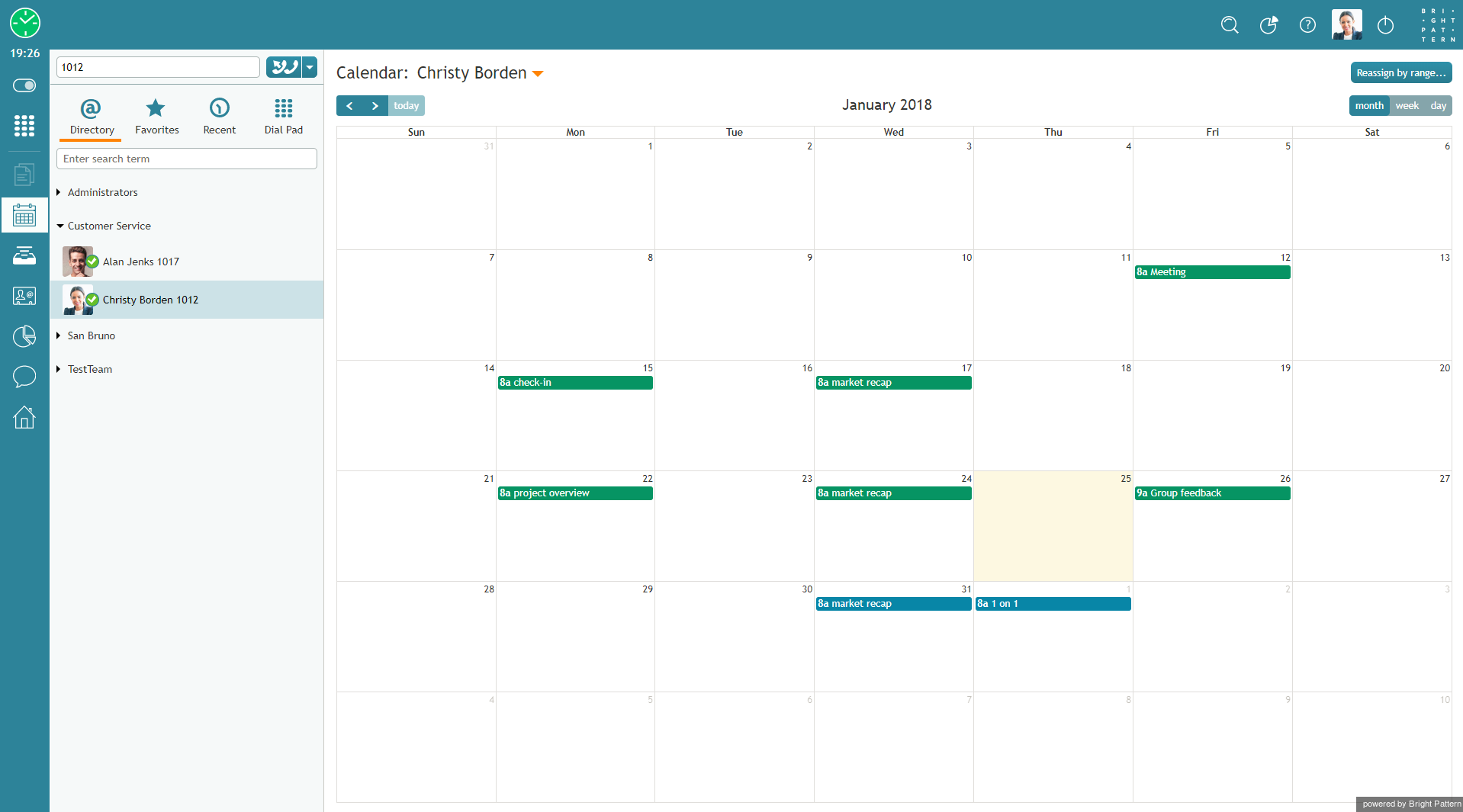


 をクリックします 。担当するチーム・サービス・エージェントのメトリックはコンテキスト情報エリアに表示されます。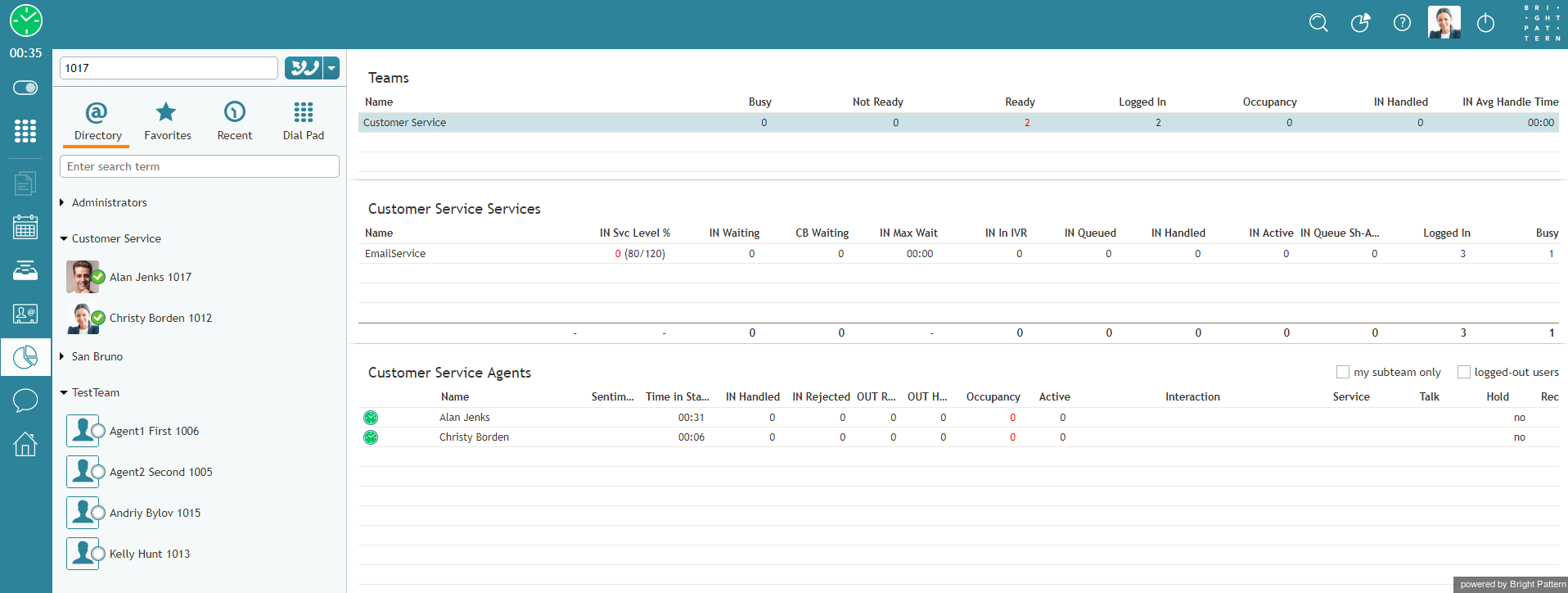
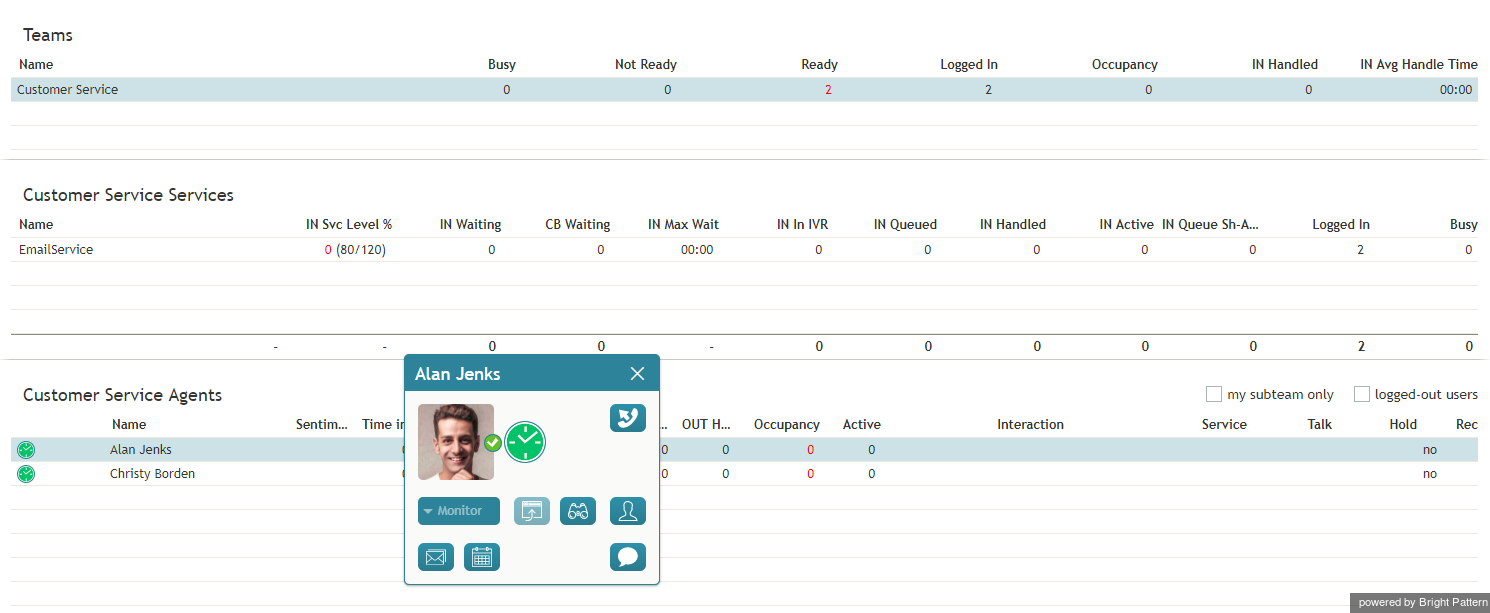
 をクリックします。エージェントカレンダーは コンテキスト情報エリアに表示されます。


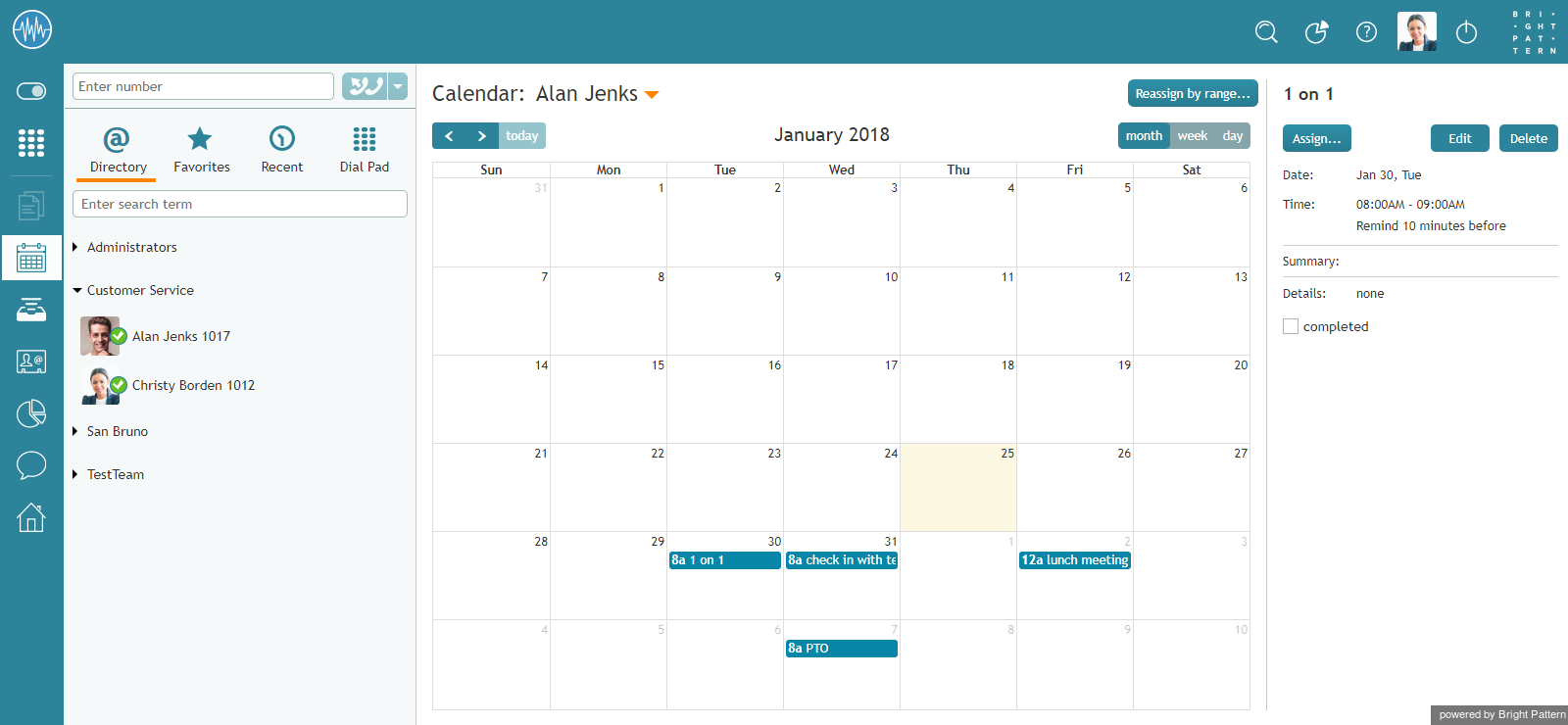


![450px | thumbnail | center] |ディレクトリからユーザーを選択する](/index.php?title=File%EF%BC%9ACalendar-Switch-User-50.png&action=edit&redlink=1)
