# To reassign a single agent’s event to another agent, view the agent's calendar. See section [[supervisor-guide/ManagingCalendarEvents#How_to_View_an_Agent.27s_Calendar|How to View an Agent's Calendar]].
# Select the event in the agent's calendar that you want to reassign. The event properties on the right will display the event information.[[File:Agent-Calendar-Reassign-50.png|800px|thumbnail|center|Calendar and event properties]]
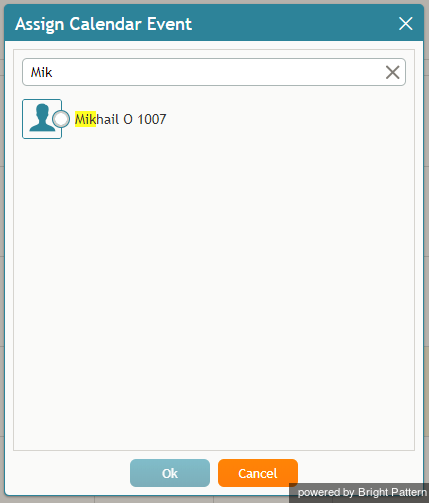
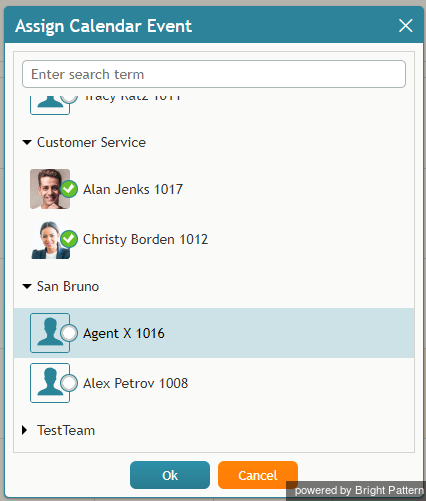
# Click the '''Assign…''' button. A dialog window will appear, showing the list of agents to which this task can be assigned. To find a specific agent quickly, you can start typing the agent's name in the '''Enter search term''' field and matching users will be listed in search results.[[File:Assign-Enter-Search-Term-50.png|450px|thumbnail|center|You can search for a specific agent]]
How to Reassign All of an Agent’s Events to Another Agent
Sometimes it may be more convenient to reassign all of the agent’s events within a time range in a single step.
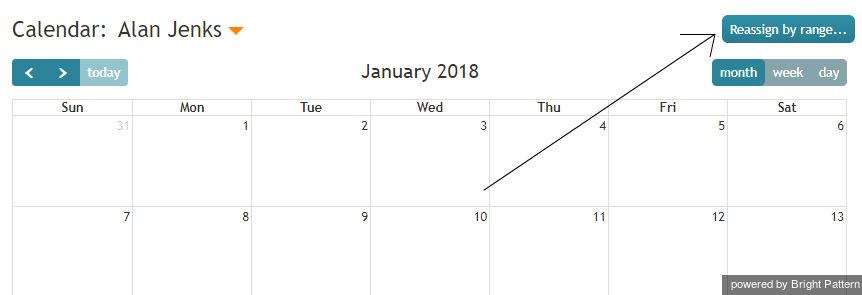
Click the Reassign by range… button.Reassign by Range button
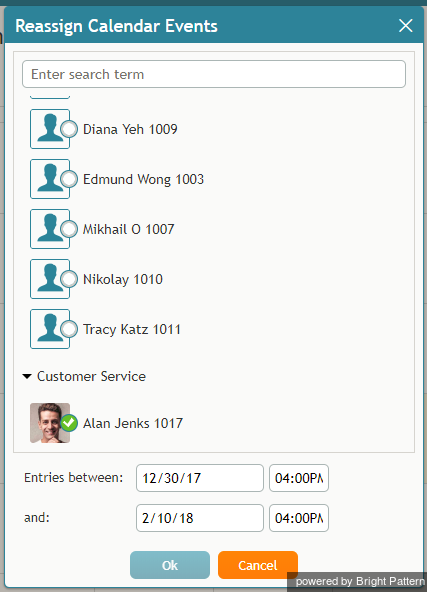
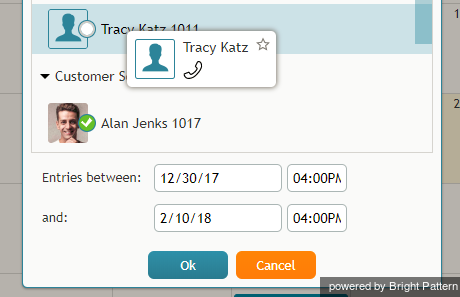
A dialog window will appear showing the list of agents that this task can be assigned to and time range controls.Select an agent to be assigned a range of events
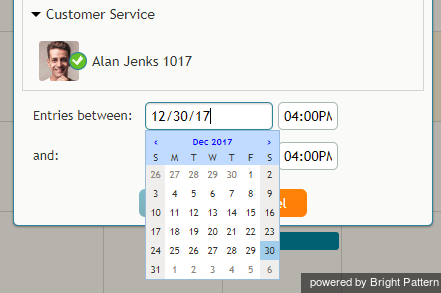
Specify the desired time range by either typing in the date or clicking into the date field and selecting the date from the mini calendar.Select the date range
Select the desired agent and click Ok.Select the agent
 をクリックします。スーパーバイザーのカレンダーはコンテキスト情報エリアに表示されます。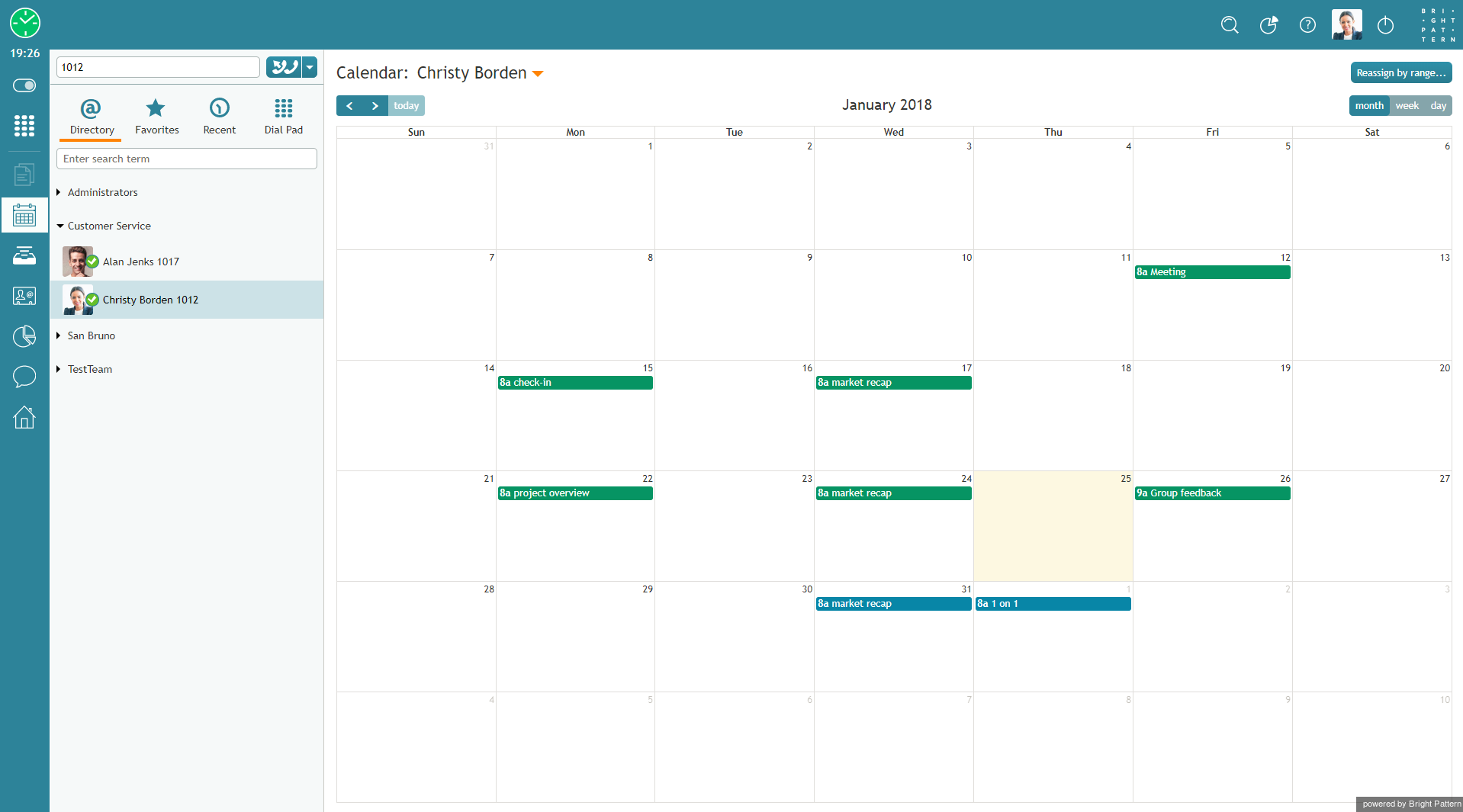


 をクリックします 。担当するチーム・サービス・エージェントのメトリックはコンテキスト情報エリアに表示されます。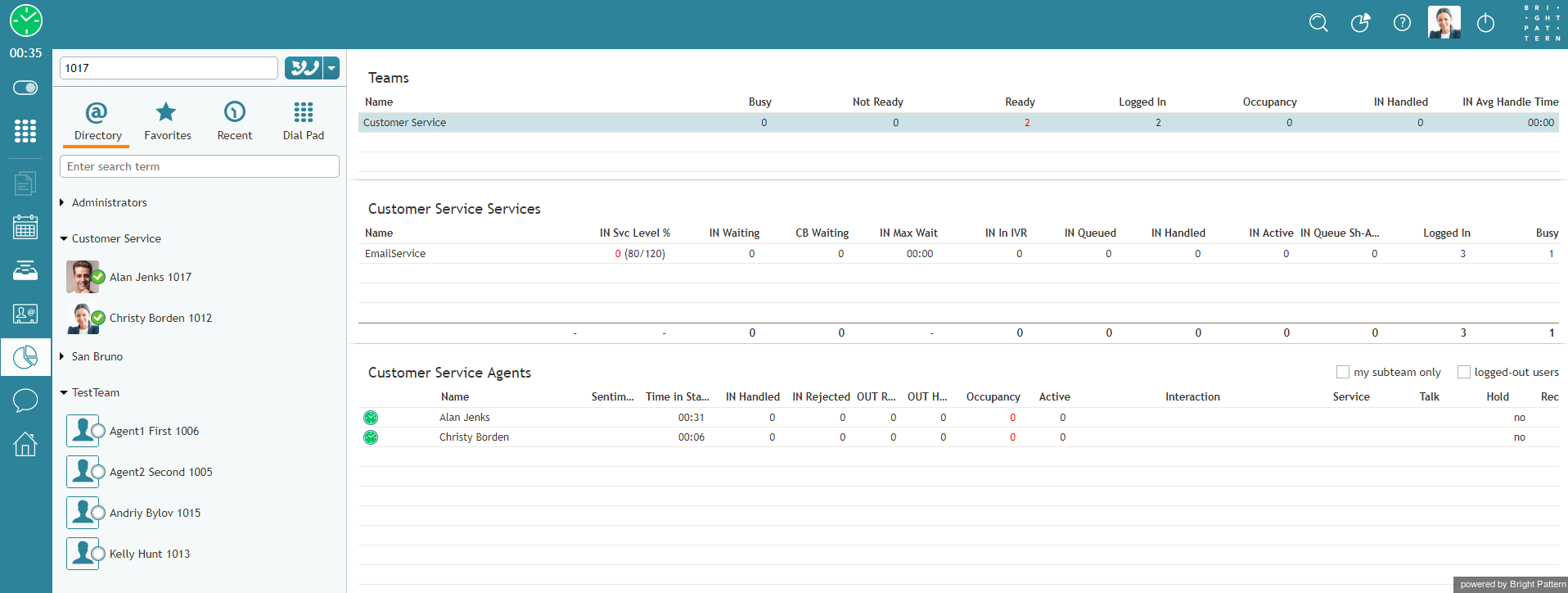
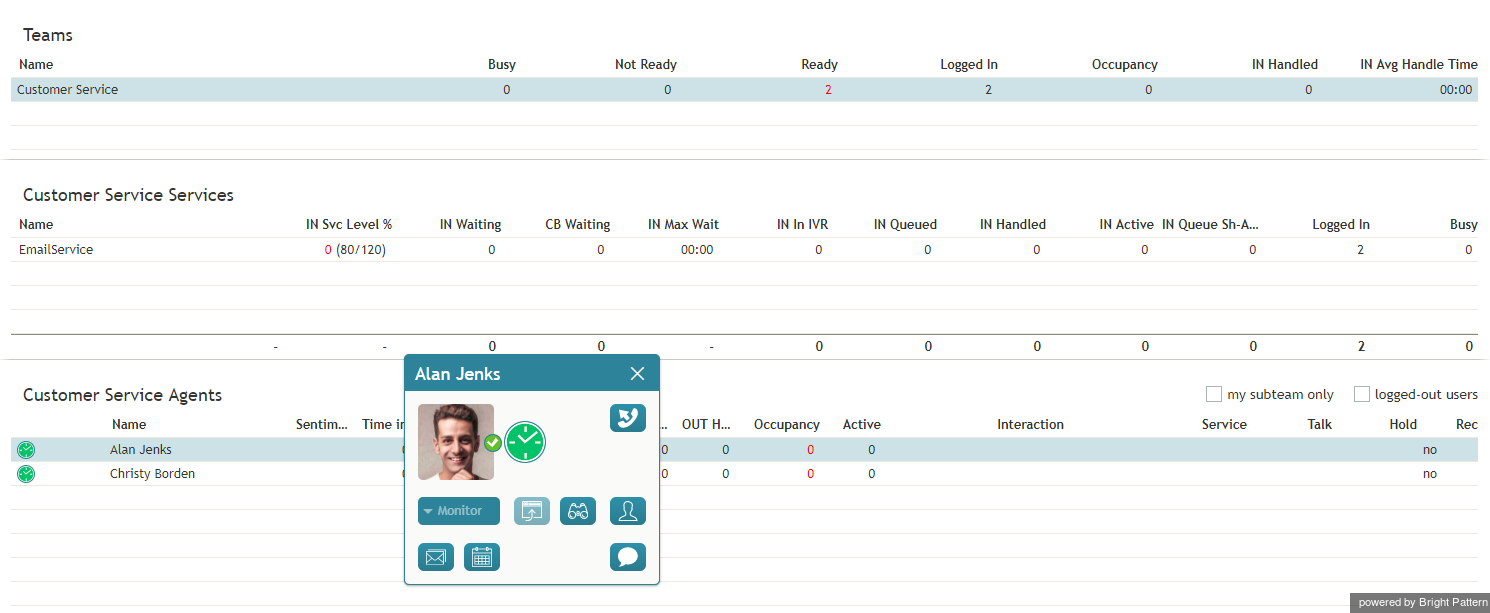
 をクリックします。エージェントカレンダーは コンテキスト情報エリアに表示されます。


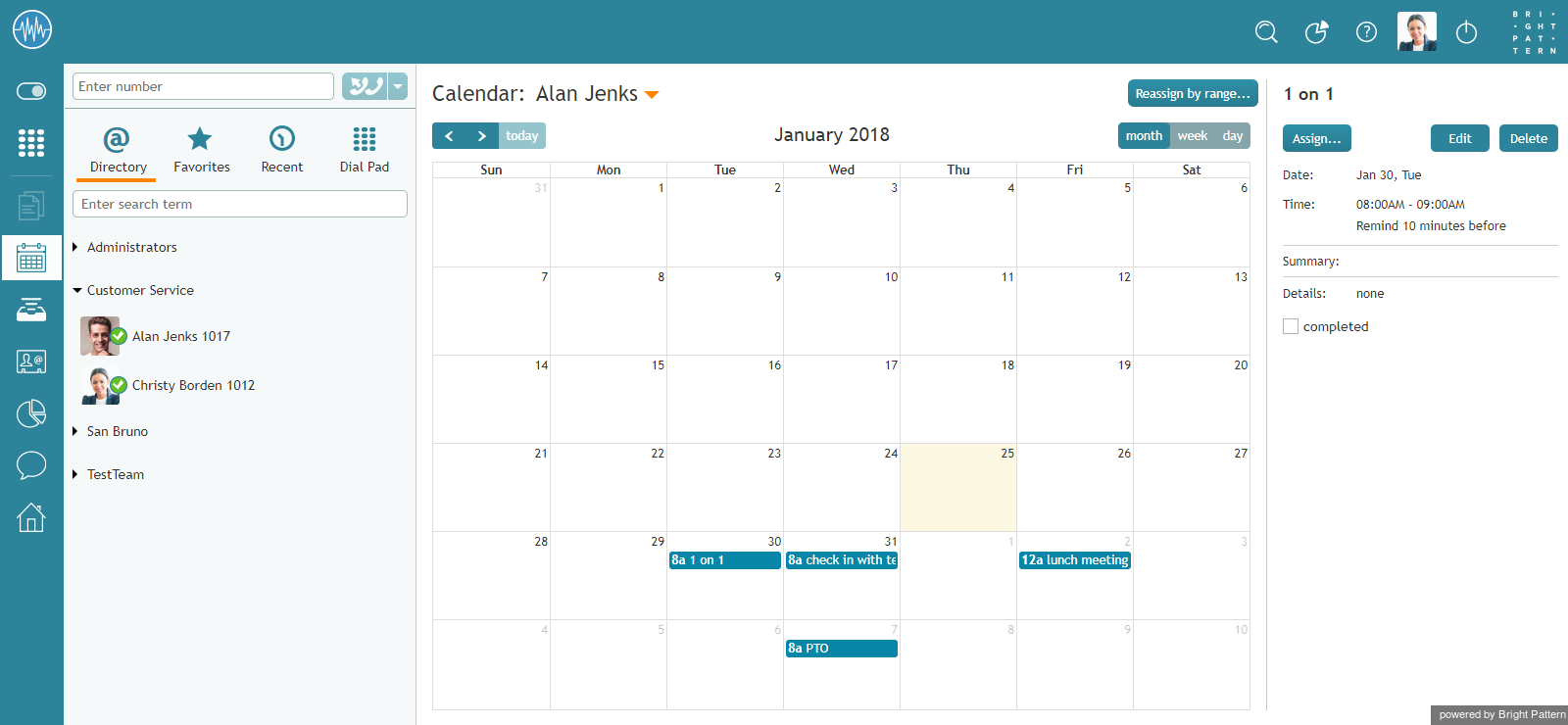




![450px | thumbnail | center] |ディレクトリからユーザーを選択する](/index.php?title=File%EF%BC%9ACalendar-Switch-User-50.png&action=edit&redlink=1)
