Revision as of 17:01, 10 July 2019 by Marina(talk | contribs)(Created page with "=== エージェントの全てのイベントの再割り当てをする === 場合によって、特定期間内の全てのイベントを1つの操作で再割り当てす...")
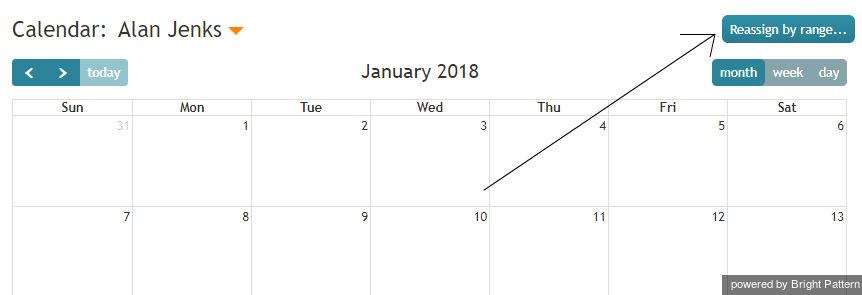
Click the Reassign by range… button.Reassign by Range button
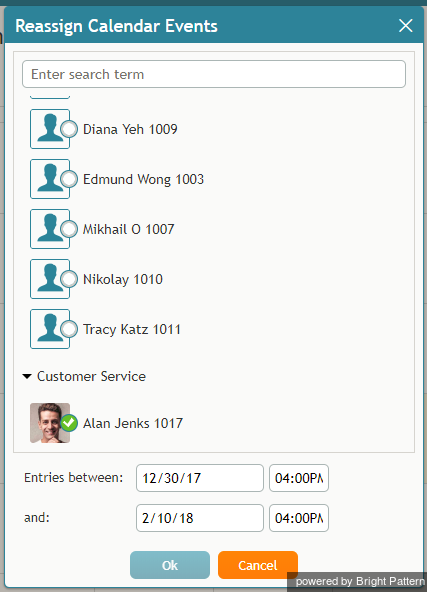
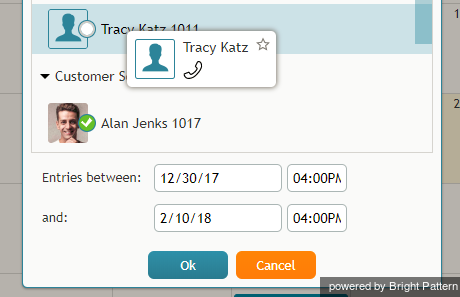
A dialog window will appear showing the list of agents that this task can be assigned to and time range controls.Select an agent to be assigned a range of events
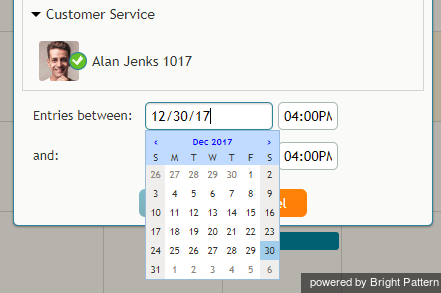
Specify the desired time range by either typing in the date or clicking into the date field and selecting the date from the mini calendar.Select the date range
Select the desired agent and click Ok.Select the agent
 をクリックします。スーパーバイザーのカレンダーはコンテキスト情報エリアに表示されます。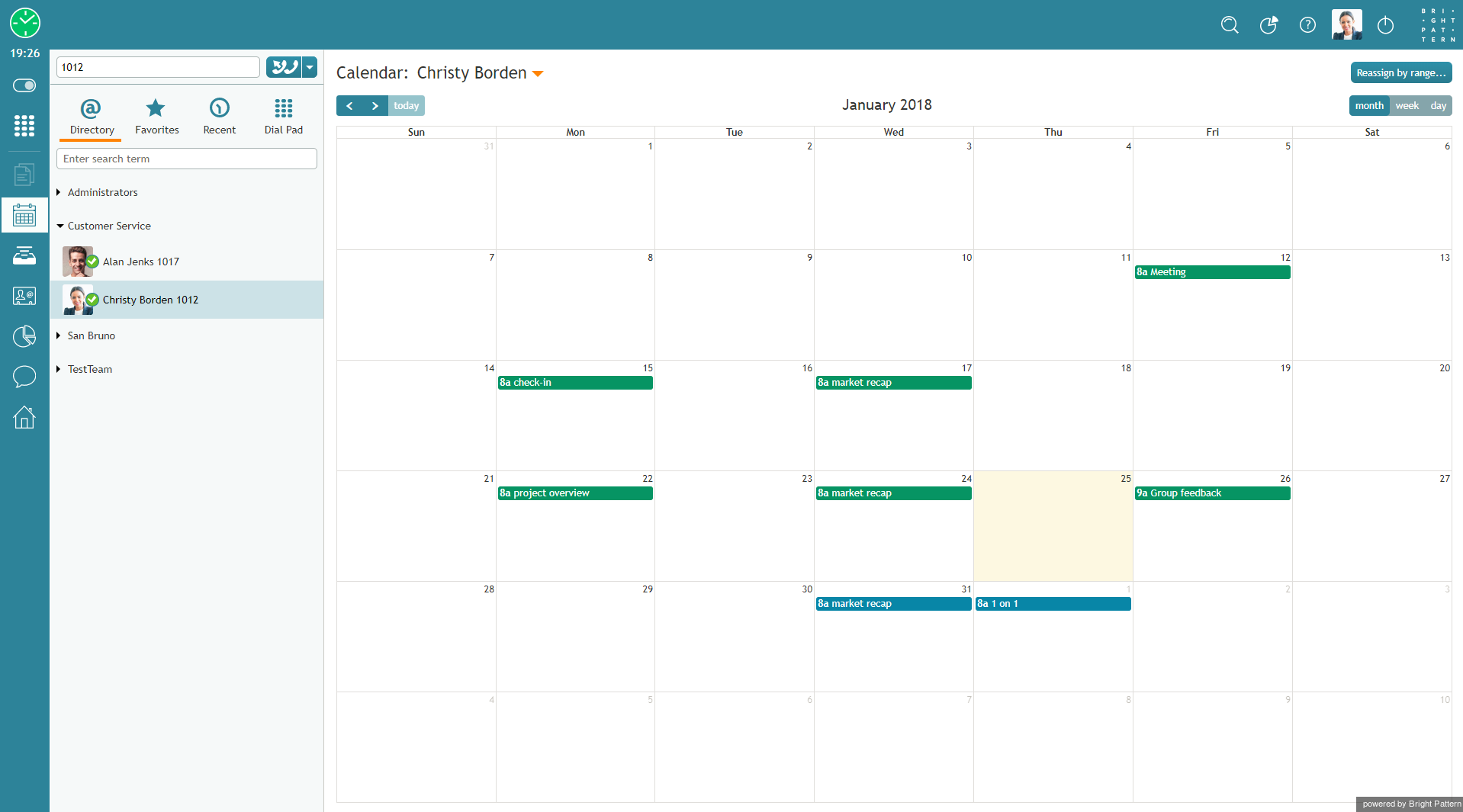


 をクリックします 。担当するチーム・サービス・エージェントのメトリックはコンテキスト情報エリアに表示されます。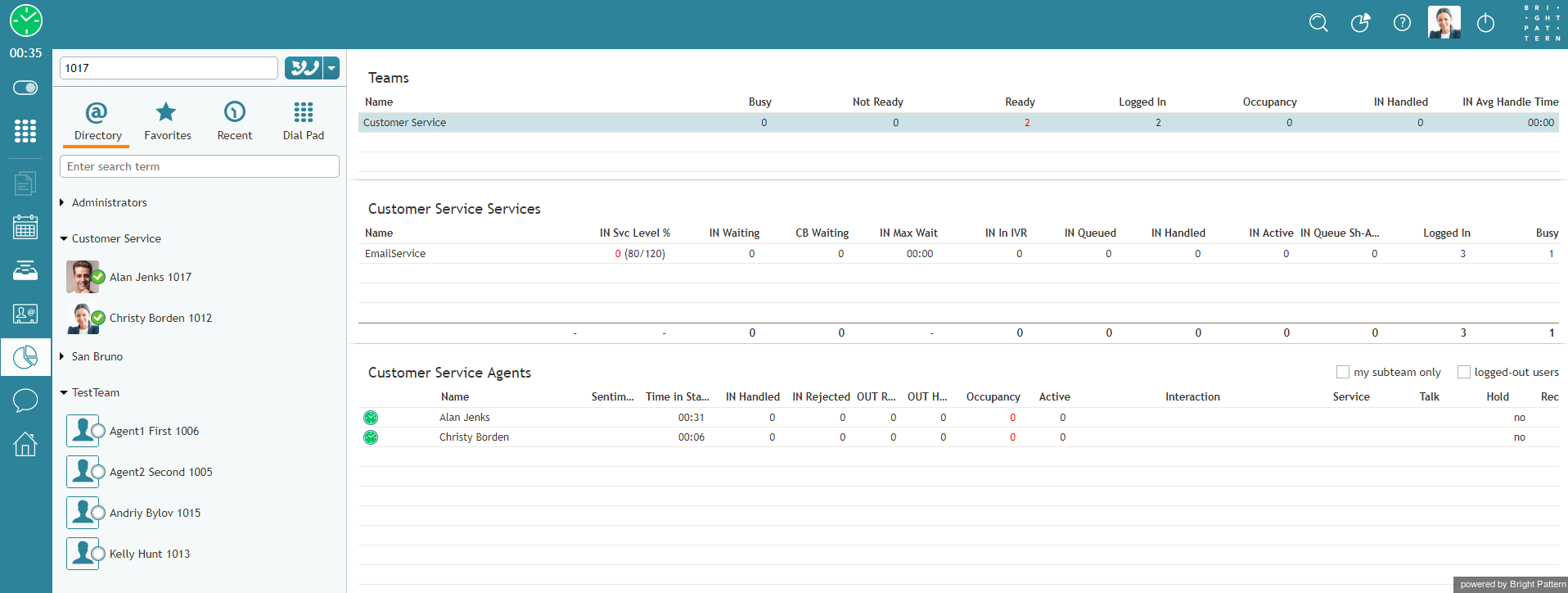
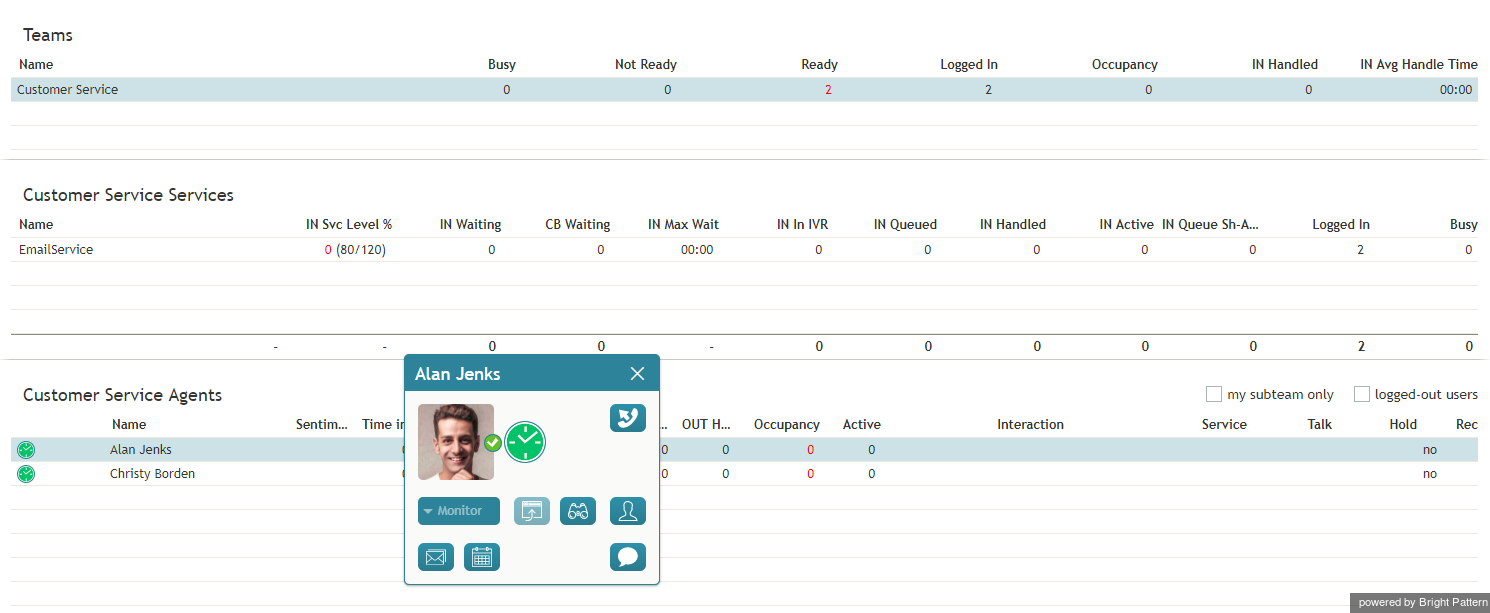
 をクリックします。エージェントカレンダーは コンテキスト情報エリアに表示されます。


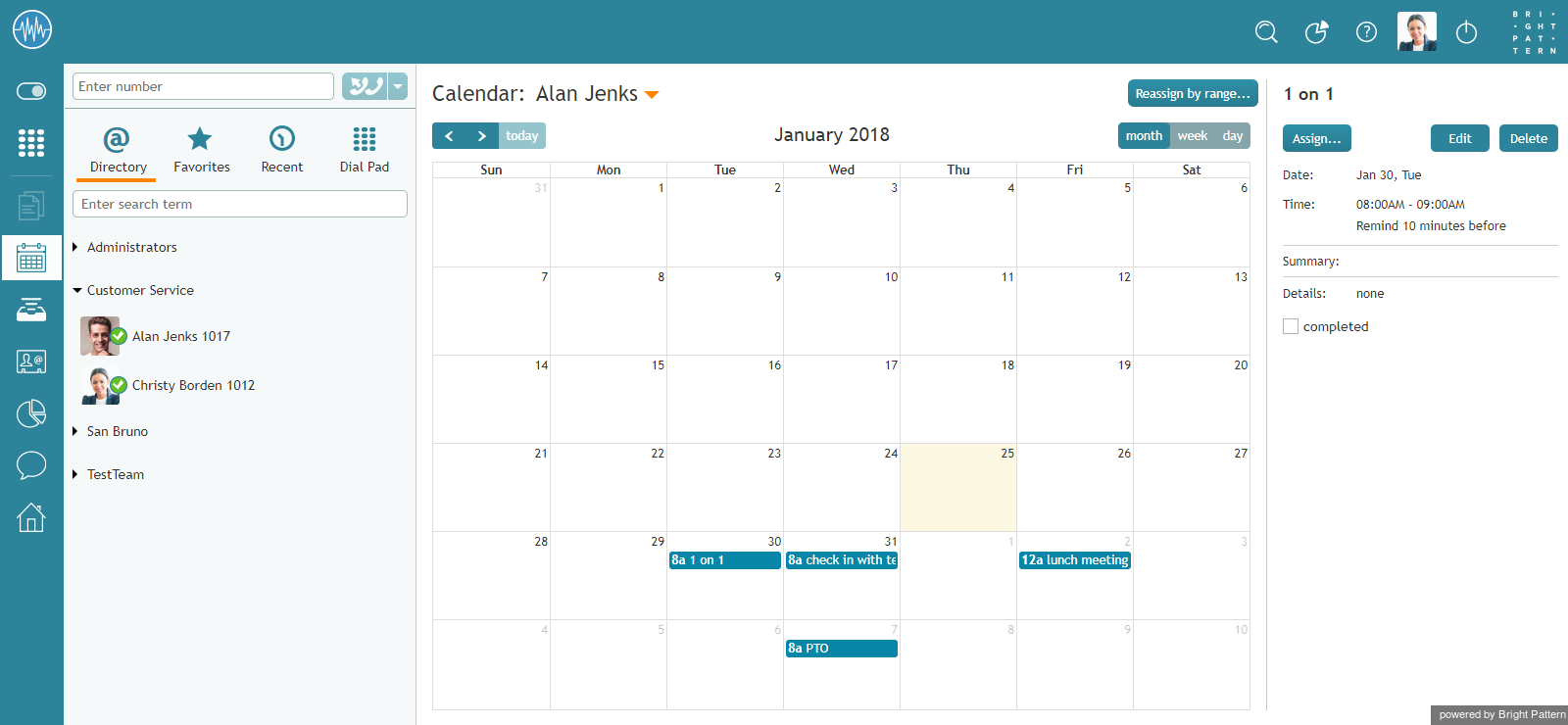




![450px | thumbnail | center] |ディレクトリからユーザーを選択する](/index.php?title=File%EF%BC%9ACalendar-Switch-User-50.png&action=edit&redlink=1)
